
World Model Planners

World models for robot observation and planning

Authors removed for anonymous submission.
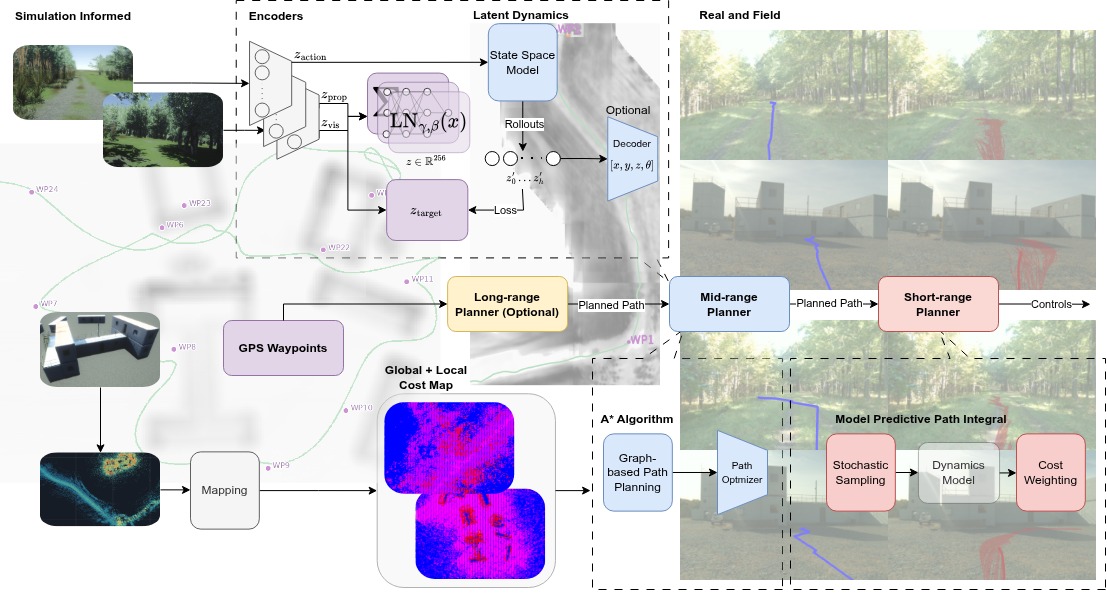
Overview of simulation-informed world-model and hierarchical robot-navigation planning.

Simulated trajectories train predictive representations and learning-based planners, while mapped waypoints guide graph-based planning and downstream control.

Overview

World Model Planners provides tools to prepare recorded robot observations, train world models, evaluate them, and connect a planner to ROS 2.

The repository includes CNN, DINOv2, V-JEPA2, JEPA-lite, and DinoWM model paths, plus a ROS 2 planner bridge.

Abstract

Robot learning in simulation has enabled successful transfer to the real world. Yet "real" often means deployment in a controlled environment, whereas "field" deployment exposes a larger reality gap as sites and operating conditions change. We study this distinction in long-horizon navigation using a digital twin of a controlled physical site, simulation-trained predictive representations, and zero-shot physical deployment. Our action-conditioned World Model evaluates candidate trajectories through latent imagination within a shared hierarchical navigation stack. Preliminary trials show lower reference trajectory error for the World Model in the controlled setting, but no corresponding field advantage and substantially lower success rate for path generation than A*.

Project workflow

Prepare episodes from recorded sensor data, select a world-model architecture, train and evaluate it, then use the ROS 2 wrapper to run the planner with a checkpoint.

  1. Set up the workspace

    Install the Python environment and build the ROS 2 wrapper.

  2. Prepare episodes

    Turn recorded sensor data into fixed-length episodes for training.

  3. Choose a world model

    Select an architecture and how observations become latent predictions.

  4. Train and evaluate

    Train the selected model and check it with the evaluation examples.

  5. Run the planner

    Load a checkpoint in the ROS 2 wrapper and run the planner.

World model and simulation

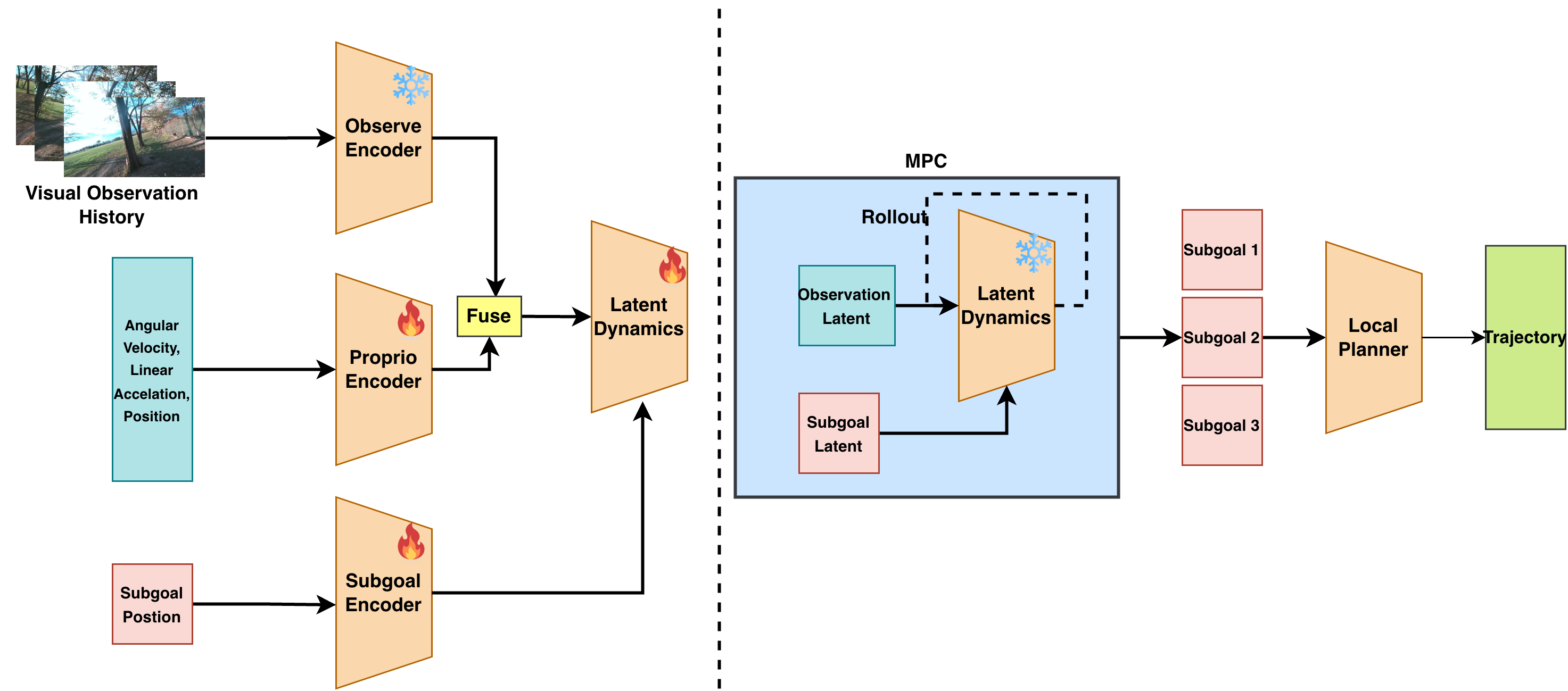
Diagram of the world-model planner, from visual and proprioceptive encoders through latent rollouts to local trajectory planning.
Observation and proprioceptive encoders form a fused latent state; model-predictive rollouts evaluate subgoals for local trajectory planning.
Six time-sampled frames from a Spot robot navigation rollout in simulation.
Constant-time frame samples from a Spot navigation rollout in Isaac Sim.

Preliminary Results

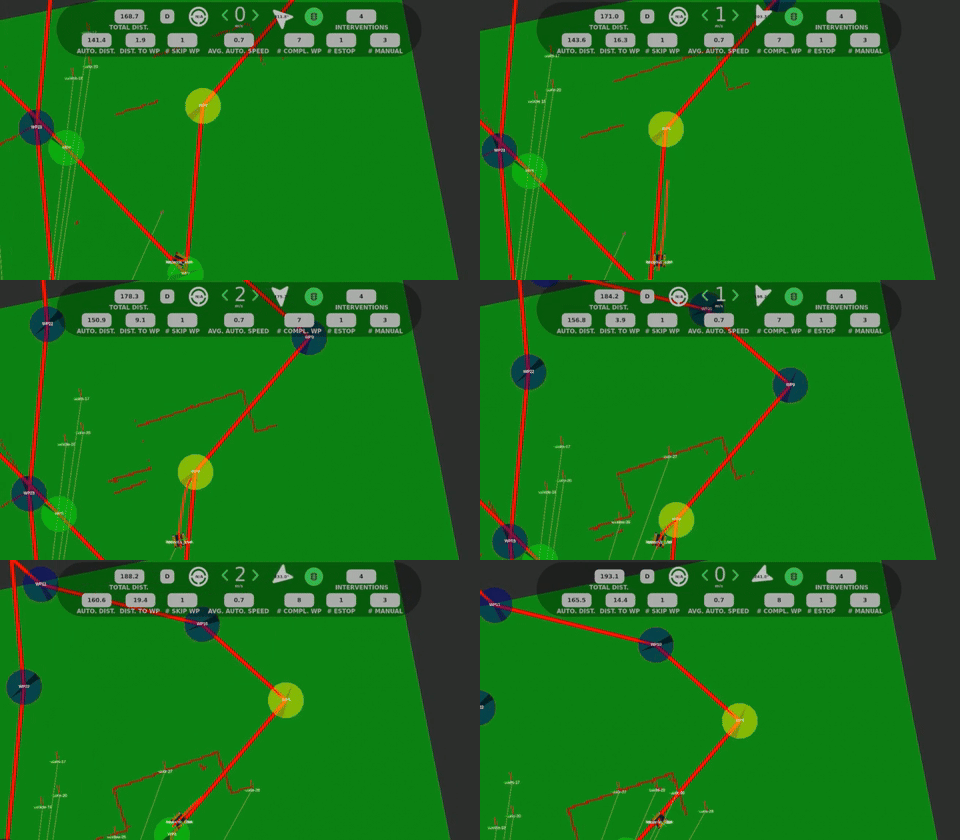
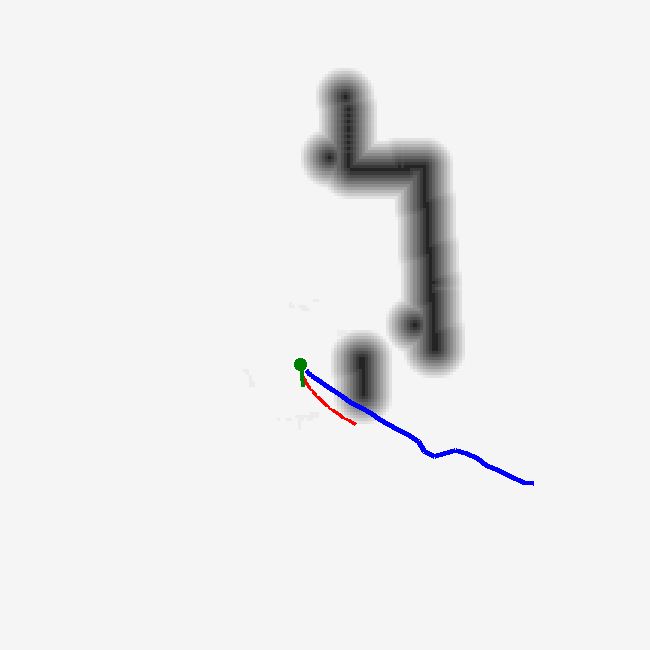
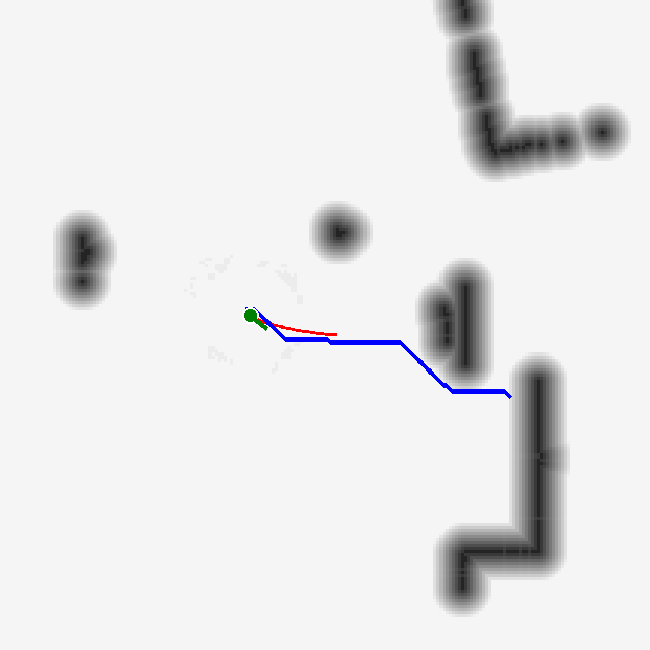
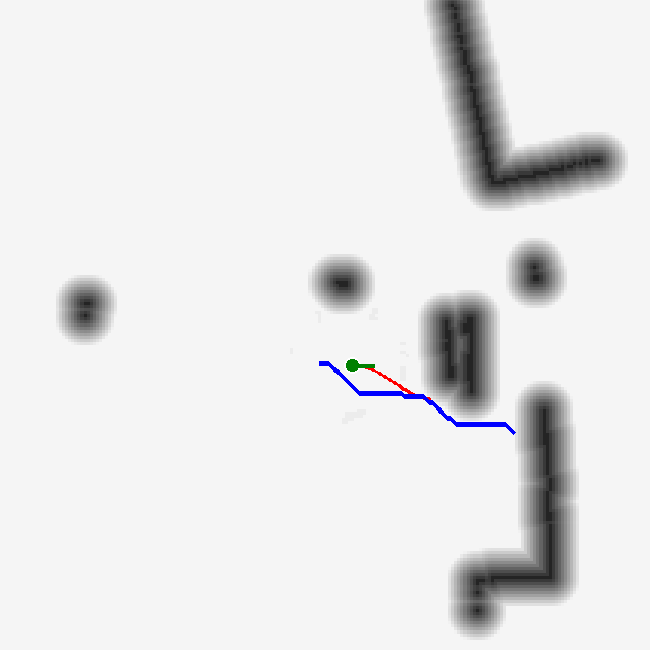
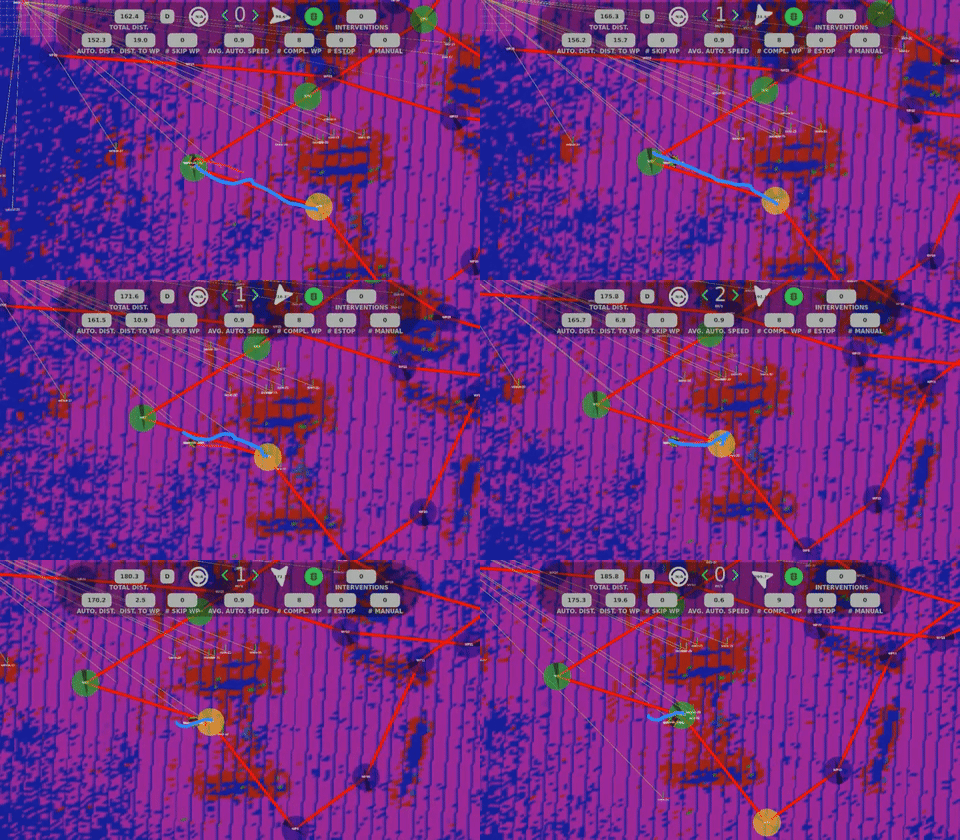
In the controlled setting, WM has the lowest ATE but requires more interventions than A* (7 versus 5). That reference-path advantage does not persist in the field. WM also supplies MRP paths half as often as A*. The table shows the quantitative results, and Planner comparison in a difficult building scenario shows the qualitative failure cases.

Trajectory error and run outcomes for the real and field trials.
PlannerATE RMSE (m) ↓Mean error (m) ↓Interventions ↓Avg. speed (m/s)Success rate (%) ↑
RealFieldRealFieldRealFieldRealField
WM8.4516.556.9713.86770.71.055.24
A*11.7916.3210.2912.73510.91.096.94
Null9.5412.748.739.071000.81.6--

Bold represents the best value across planner configurations.
Planner recordings

The world model, A*, and Null play together on one timeline for one subgoal respectively.

Landscape recording of the world-model planner.
World model planner
Landscape recording of the A* planner.
A star planner
Landscape recording of the Null planner.
Null planner

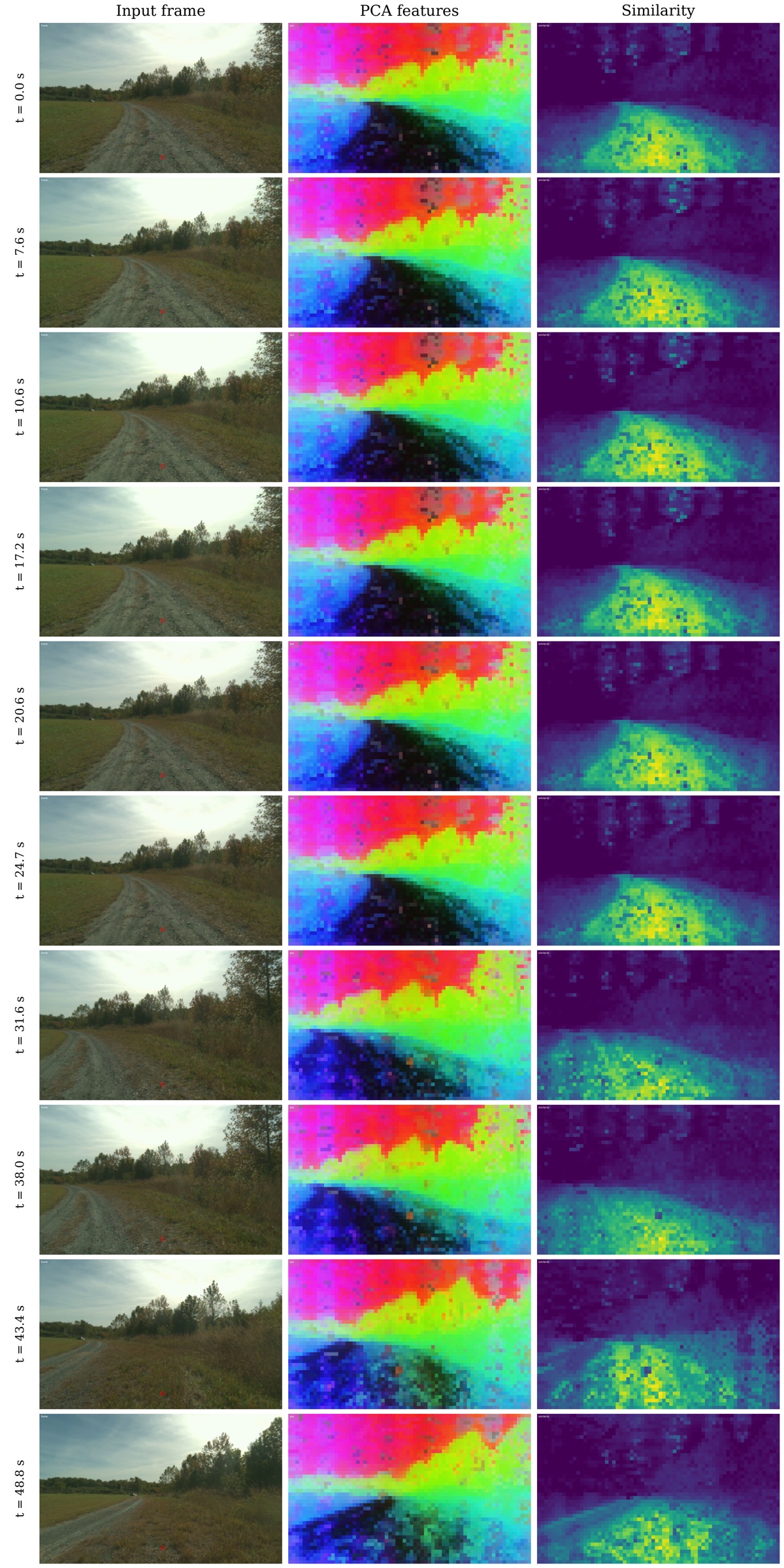
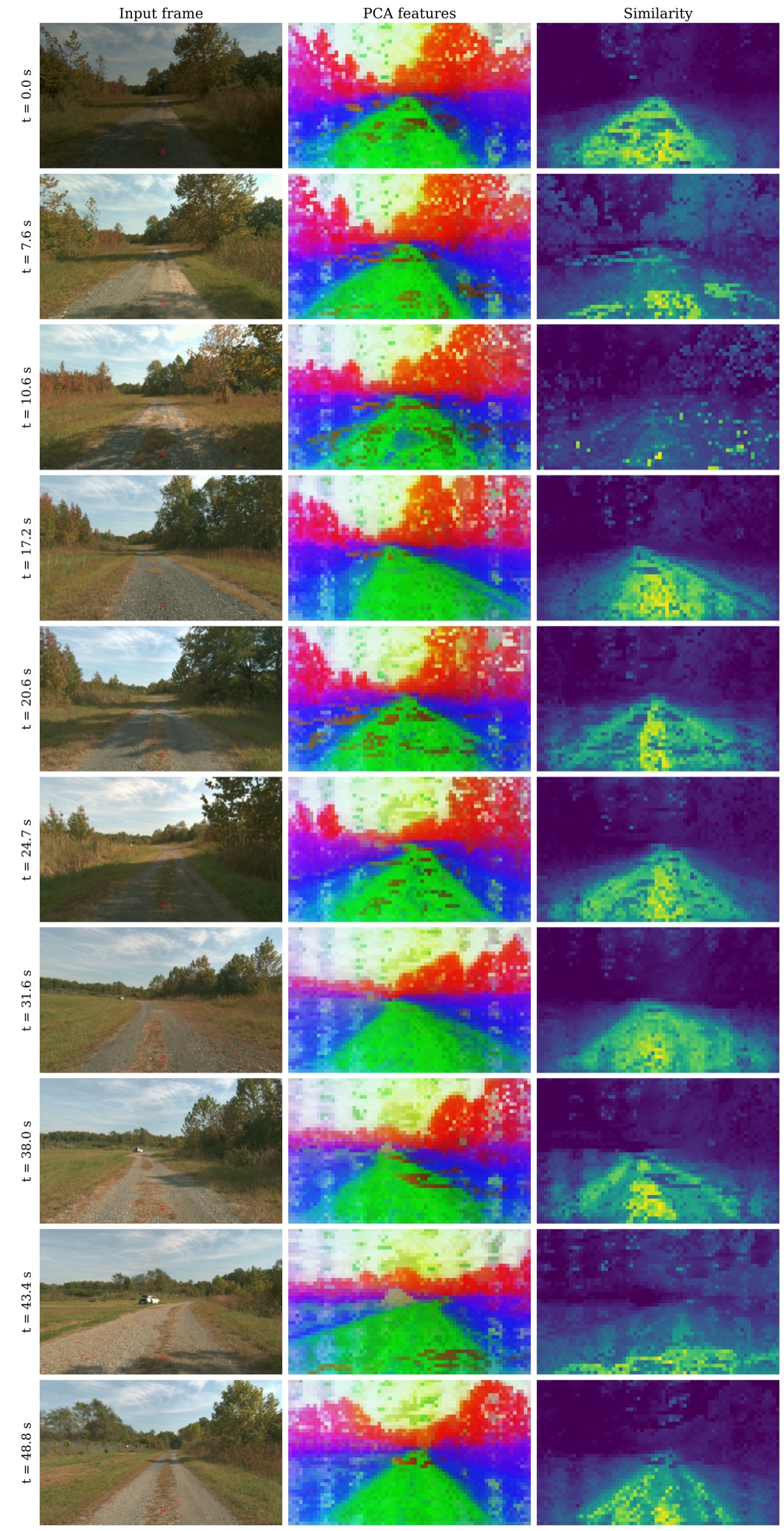
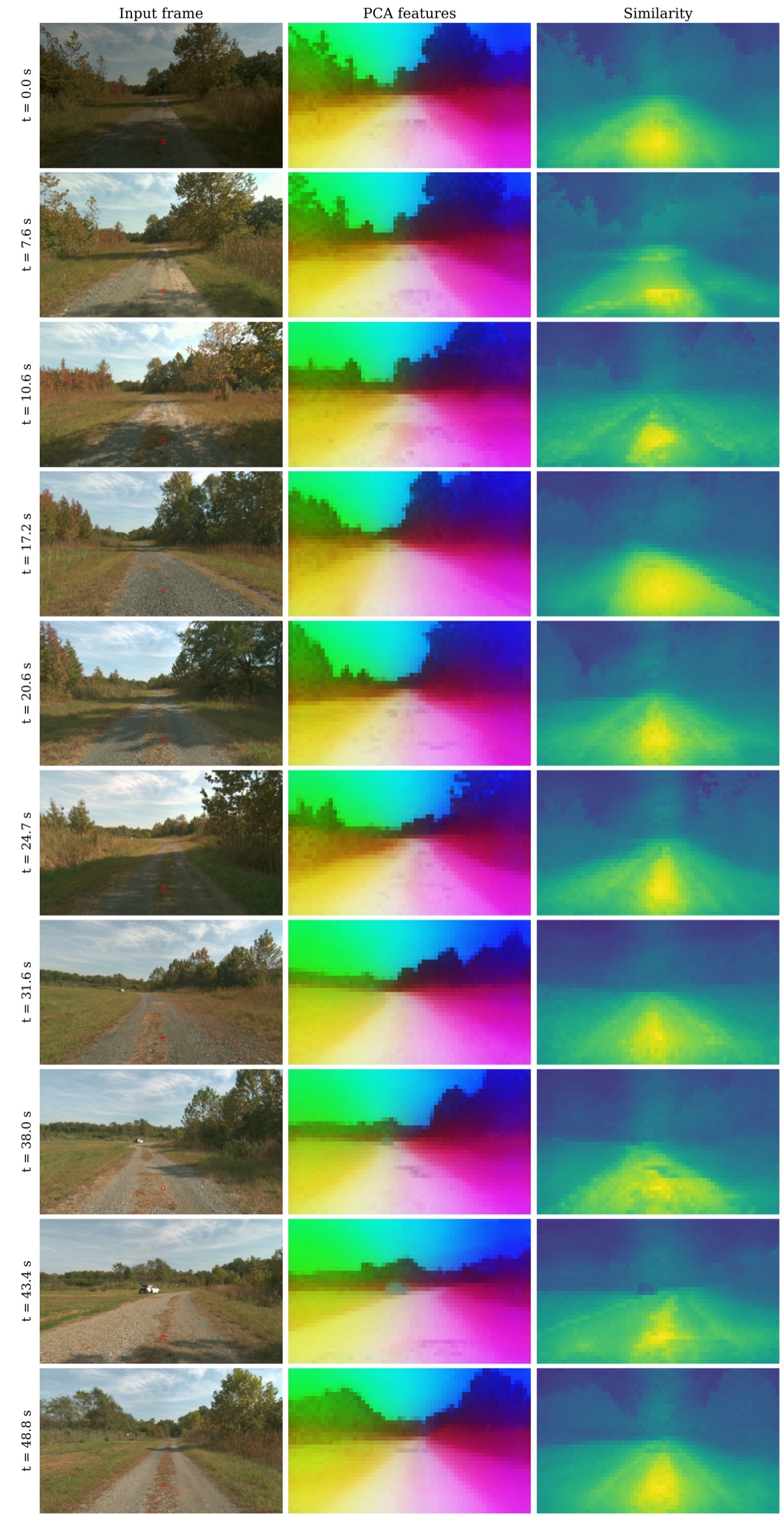
DINOv2 visual features

Each panel shows route frames, PCA features mapped to RGB, and patch-level cosine similarity.

DINOv2 visual feature panels for a failed run, with input frames, PCA features, and similarity maps.
Failed run
DINOv2 visual feature panels for a tele-operated run, with input frames, PCA features, and similarity maps.
Tele-operated run

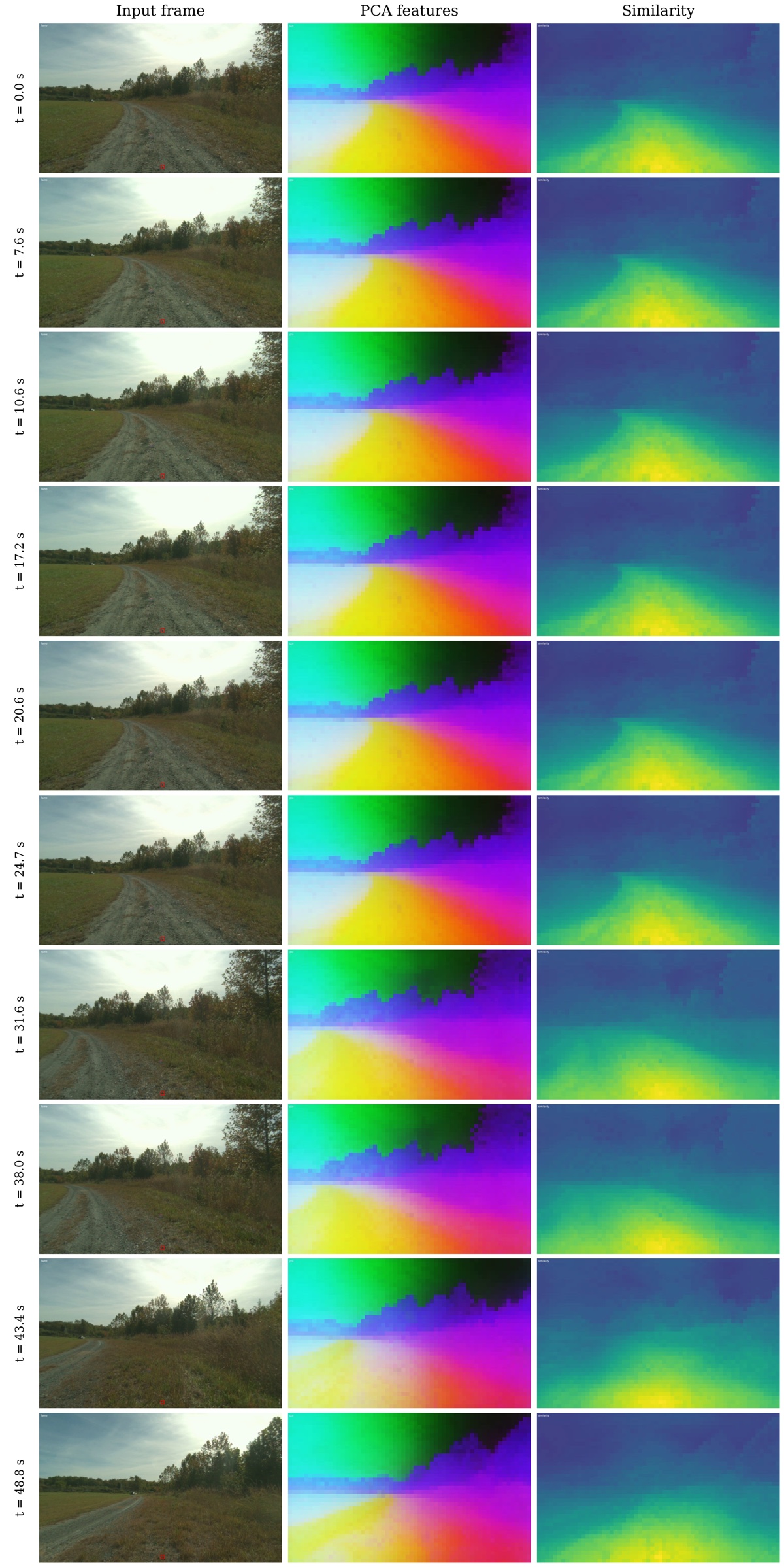
DINOv3 visual features

Each panel shows route frames, PCA features mapped to RGB, and patch-level cosine similarity.

DINOv3 visual feature panels for a failed run, with input frames, PCA features, and similarity maps.
Failed run
DINOv3 visual feature panels for a tele-operated run, with input frames, PCA features, and similarity maps.
Tele-operated run

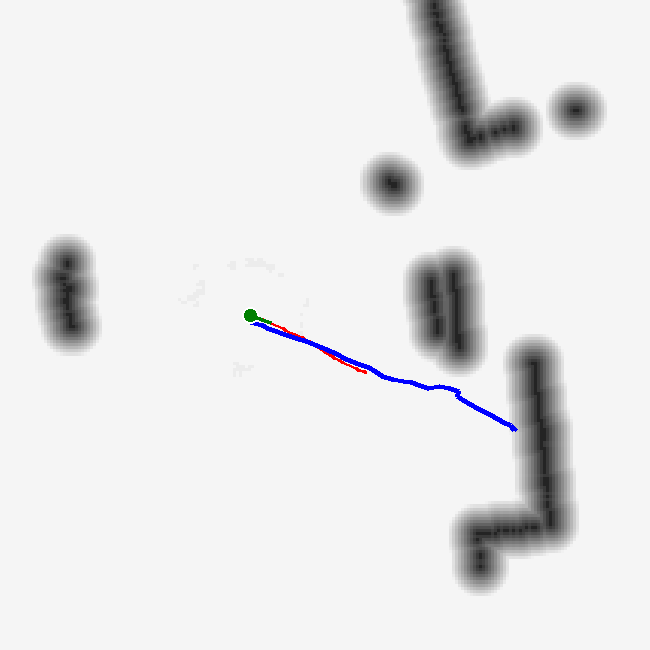
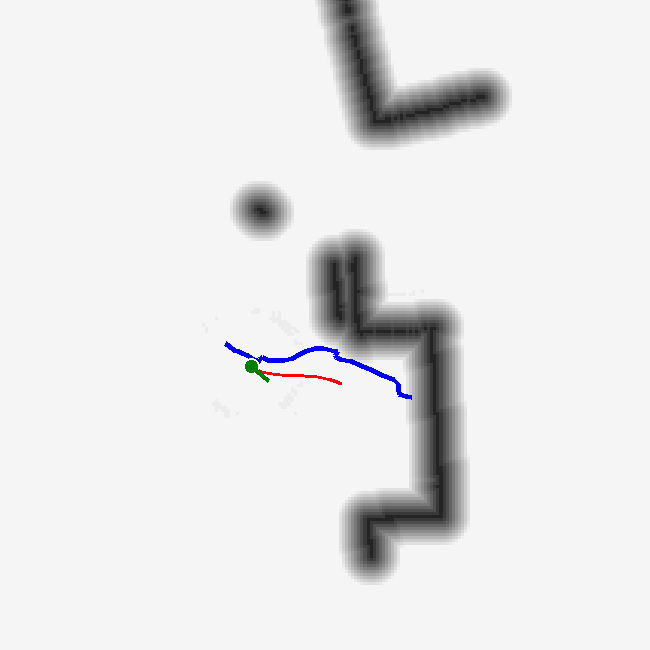
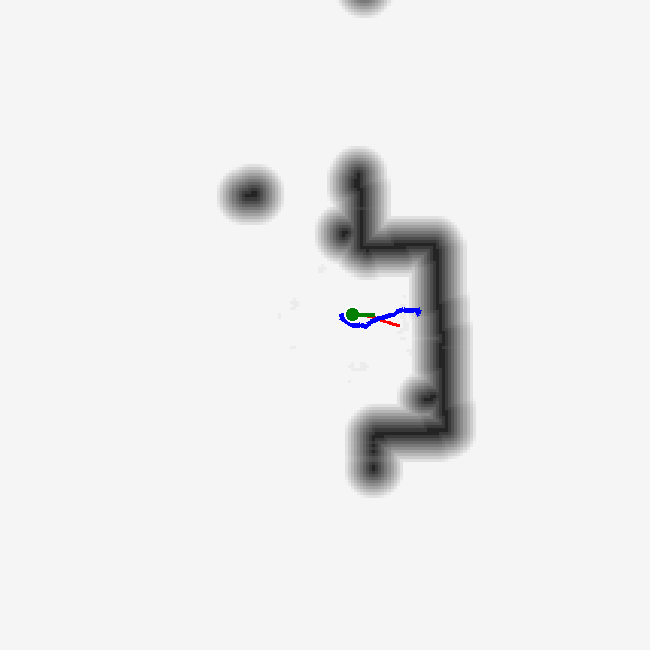
Planner comparison in a difficult building scenario

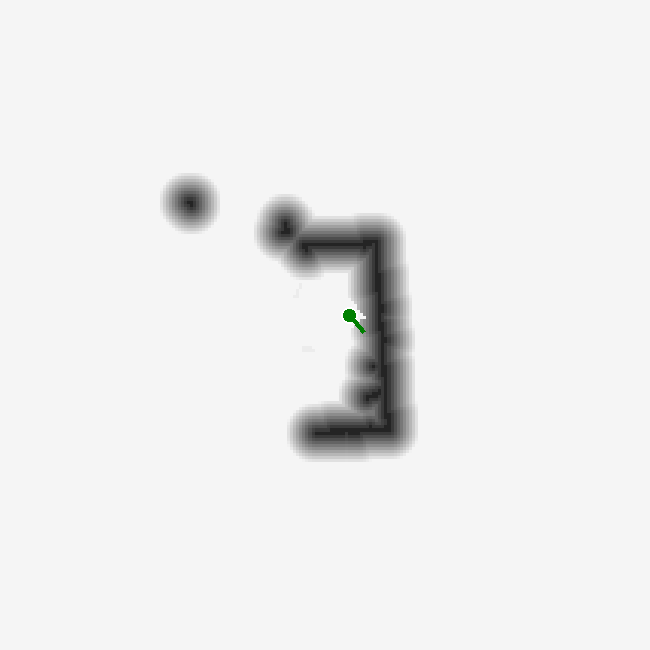
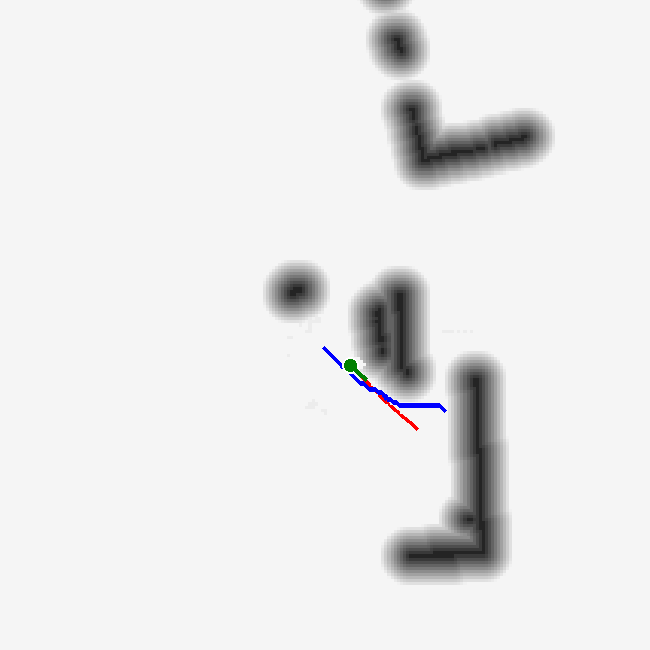
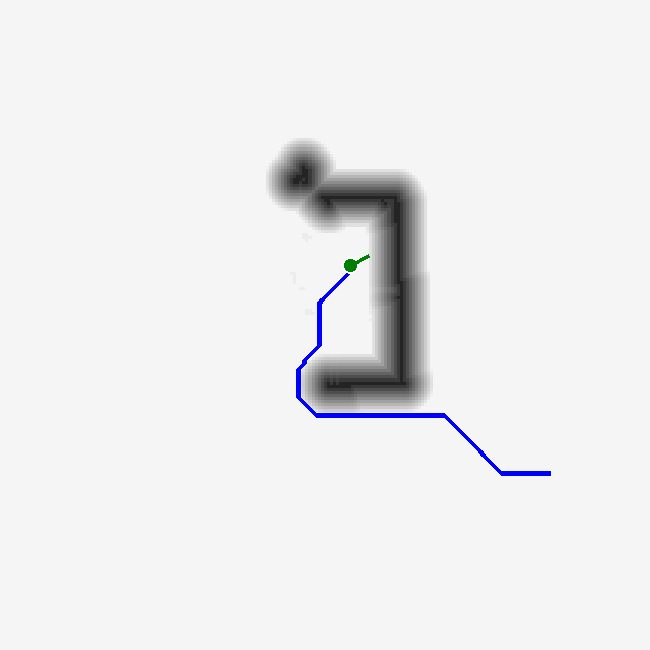
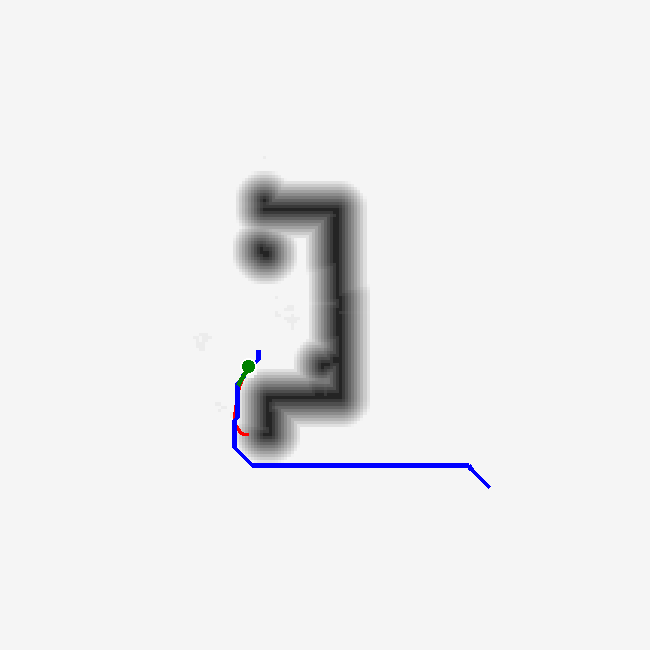
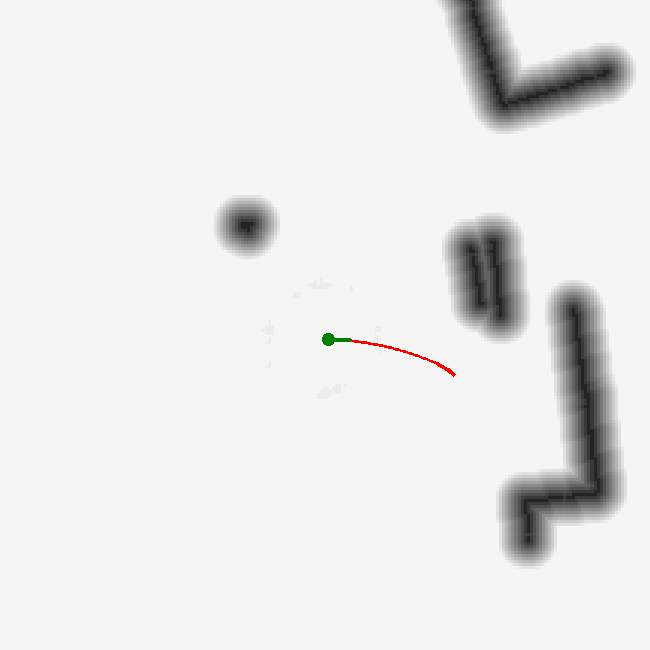
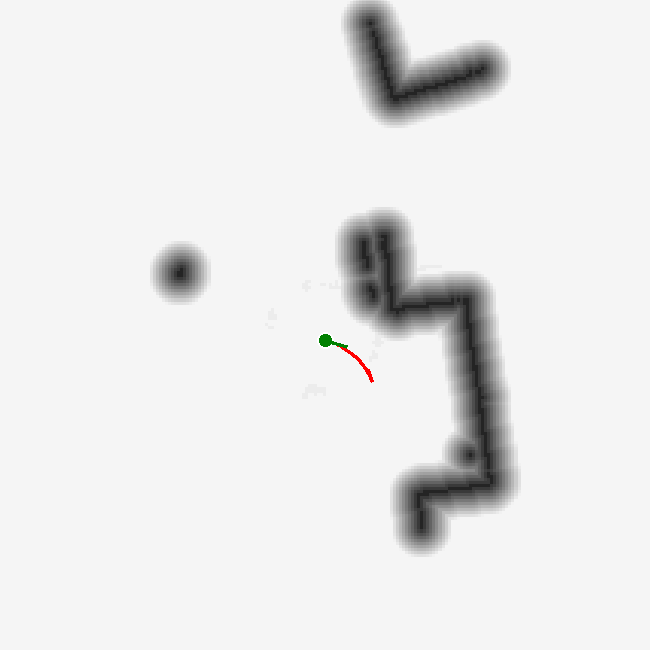
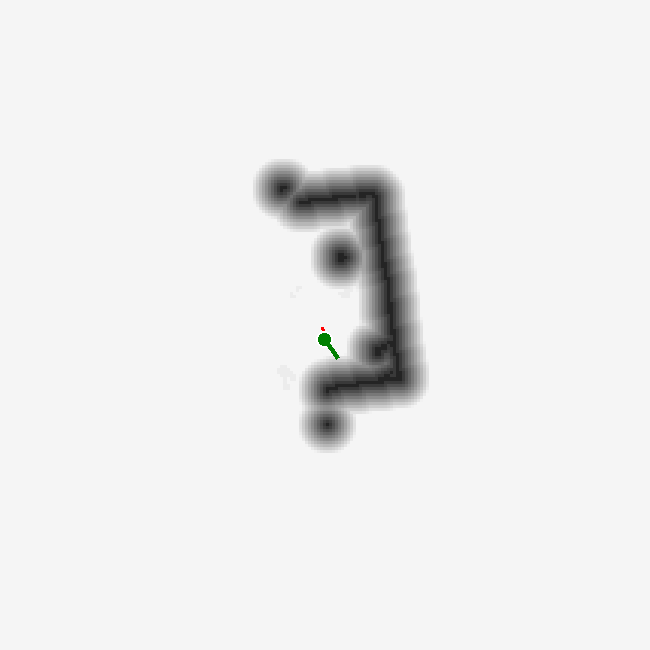
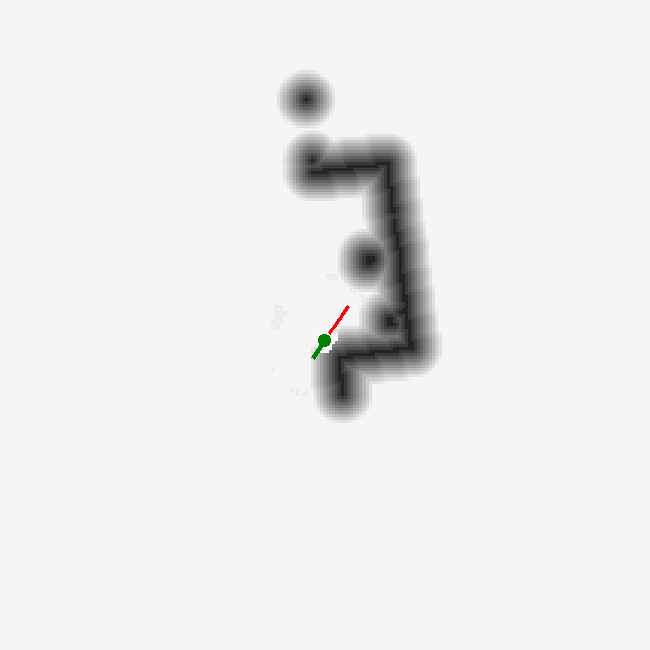
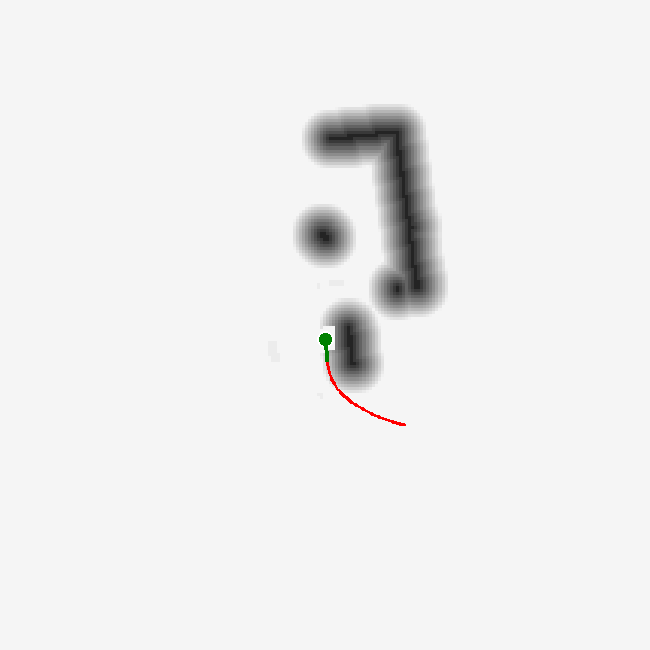
The three rows compare the world model, A*, and a no-motion baseline at increasing times. Green marks the robot, blue lines show mid-range planned paths, and red segments show short-range MPPI trajectories.

World-model planner state at 0 seconds in the building failure case.
World model · 0 s
World-model planner state at 5 seconds in the building failure case.
World model · 5 s
World-model planner state at 10 seconds in the building failure case.
World model · 10 s
World-model planner state at 20 seconds in the building failure case.
World model · 20 s
World-model planner state at 30 seconds in the building failure case.
World model · 30 s
A-star planner state at 0 seconds in the building failure case.
A* · 0 s
A-star planner state at 5 seconds in the building failure case.
A* · 5 s
A-star planner state at 10 seconds in the building failure case.
A* · 10 s
A-star planner state at 20 seconds in the building failure case.
A* · 20 s
A-star planner state at 30 seconds in the building failure case.
A* · 30 s
No-motion baseline state at 0 seconds in the building failure case.
No motion · 0 s
No-motion baseline state at 5 seconds in the building failure case.
No motion · 5 s
No-motion baseline state at 10 seconds in the building failure case.
No motion · 10 s
No-motion baseline state at 20 seconds in the building failure case.
No motion · 20 s
No-motion baseline state at 30 seconds in the building failure case.
No motion · 30 s